PDF Accessibility Scanner
Fast and free automated PDF accessibility checks
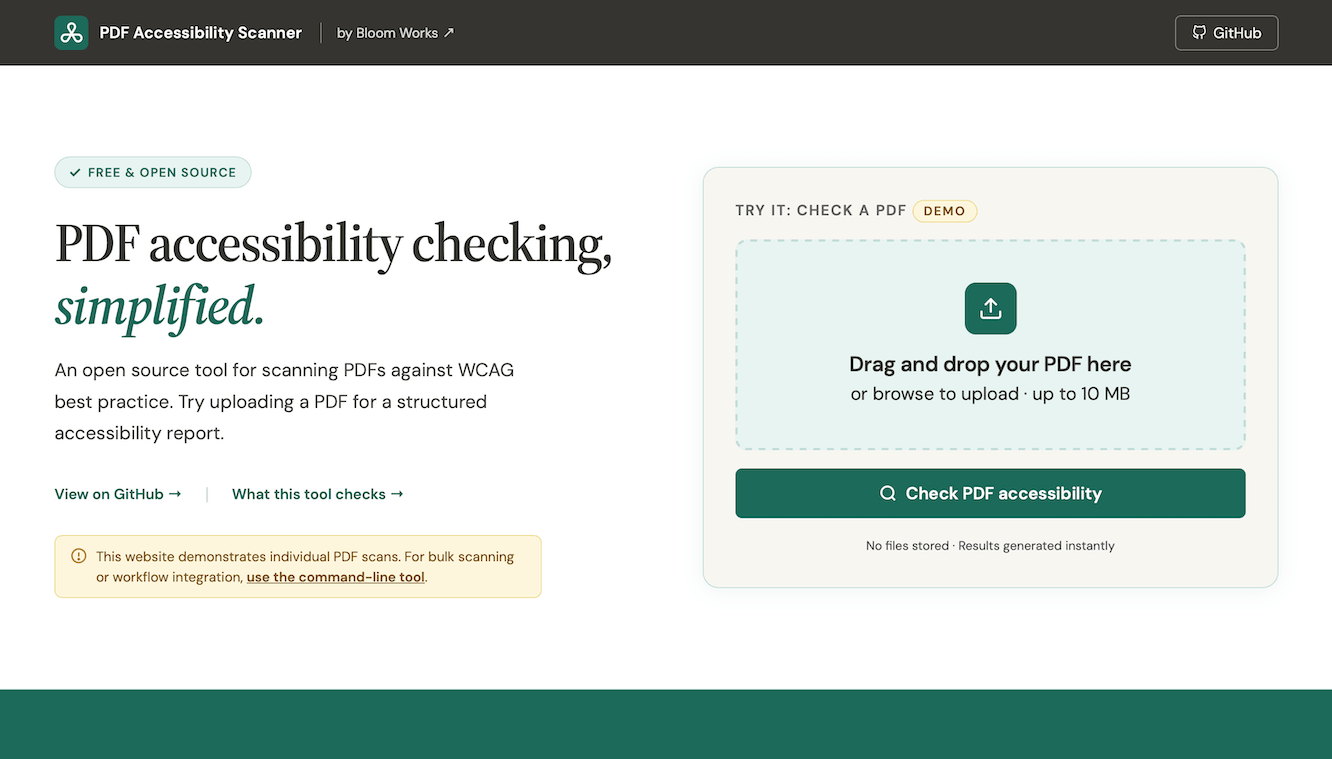
In May 2026, I built a free and open-source PDF Accessibility Scanner to diagnose how crappy your PDFs really are.
Like AI customer service agents, PDFs are both (a) super annoying and (b) all over the place. The nice thing about PDFs is that they are easy to make. The bad thing about them is that they are hard to fix. This means they pile up all over your website until eventually becoming a problem too big to ignore.
The first step in getting help is admitting you have a problem; the PDF Accessibility Scanner helps you understand how bad your problem is.
In researching PDF scanning tools, I found that most free tools have limited functionality, and most robust tools are not free.
My goal was to build an open-source tool to easily scan a list of PDFs to triage problems. Some PDFs are untagged and have tons of issues. Others are only missing metadata like a Document Title or Primary Language, and can be fixed quickly. The PDF A11y Scanner is similar to Adobe Acrobat Pro’s PDF accessibility tool, but it is free and designed for bulk scans.
The PDF Accessibility Scanner uses Python’s pikePDF library, it is deterministic (not AI), and it has lots and lots and lots of tests. Use the web app to check individual PDFs, use the command line tool to check lots at once, or import it into your Python app as a module.
It’s not perfect, but it is fast, free, and a huge improvement over doing nothing.
- Press release by Bloom Works: Scan your PDFs to improve accessibility
- GitHub repositority: bloom-works/pdf-accessibility-scanner